Ebokio Writing Studio
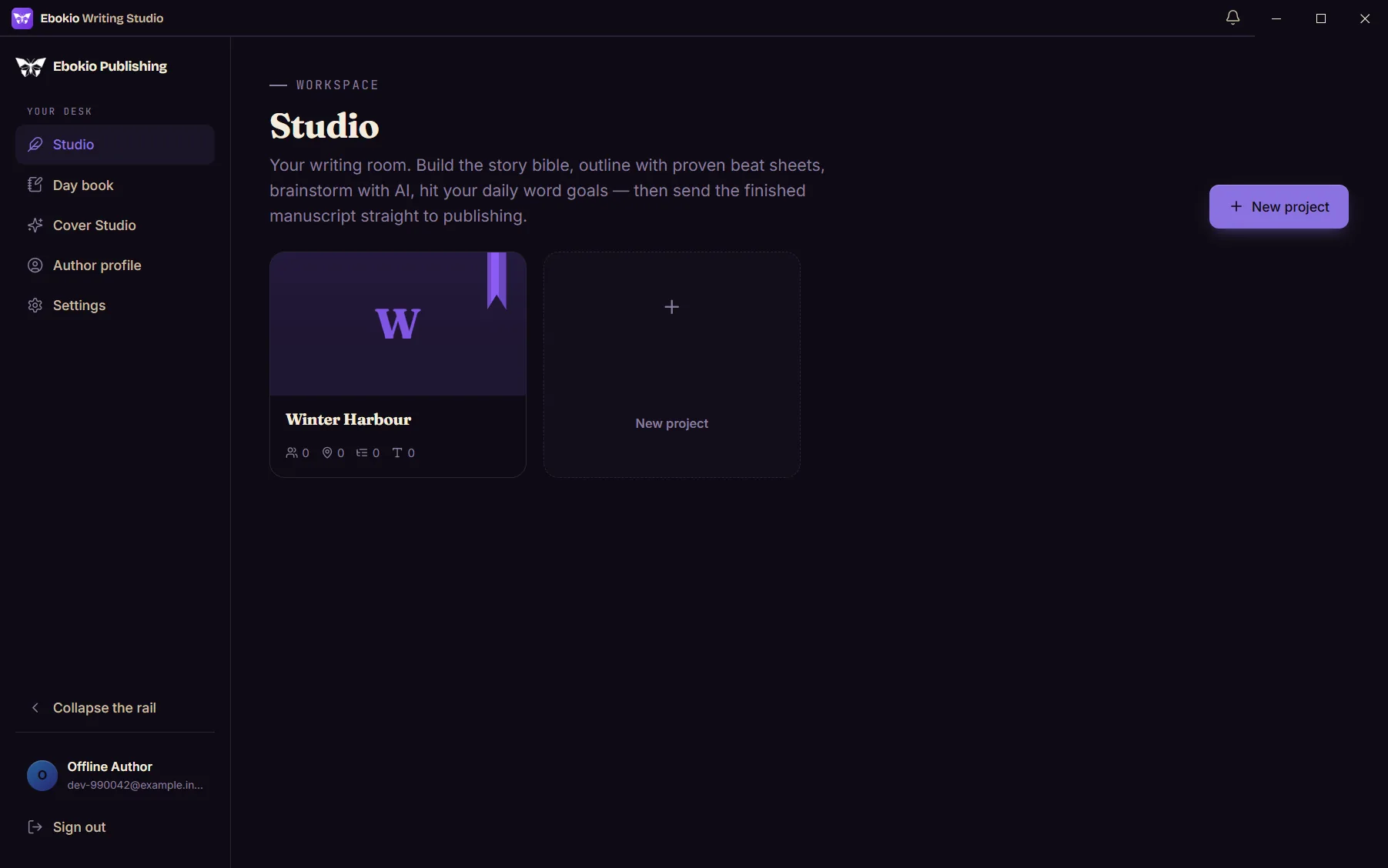
The same writing room — now on your Windows desktop.
Download for WindowsFree with any Ebokio account · Windows 10 or 11, 64-bit · 144 MB
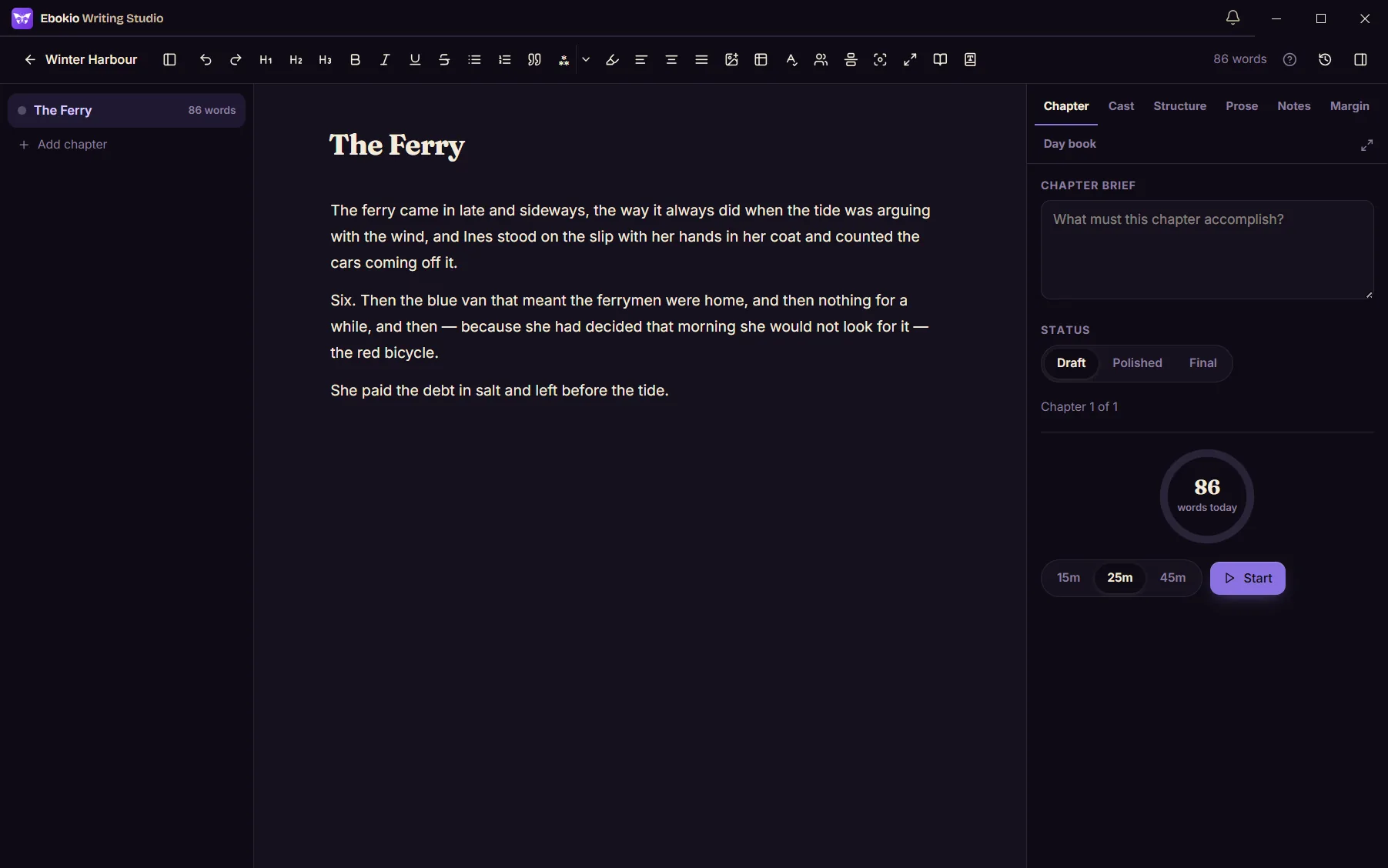
Write the whole book. Online or not.
Built for the long book
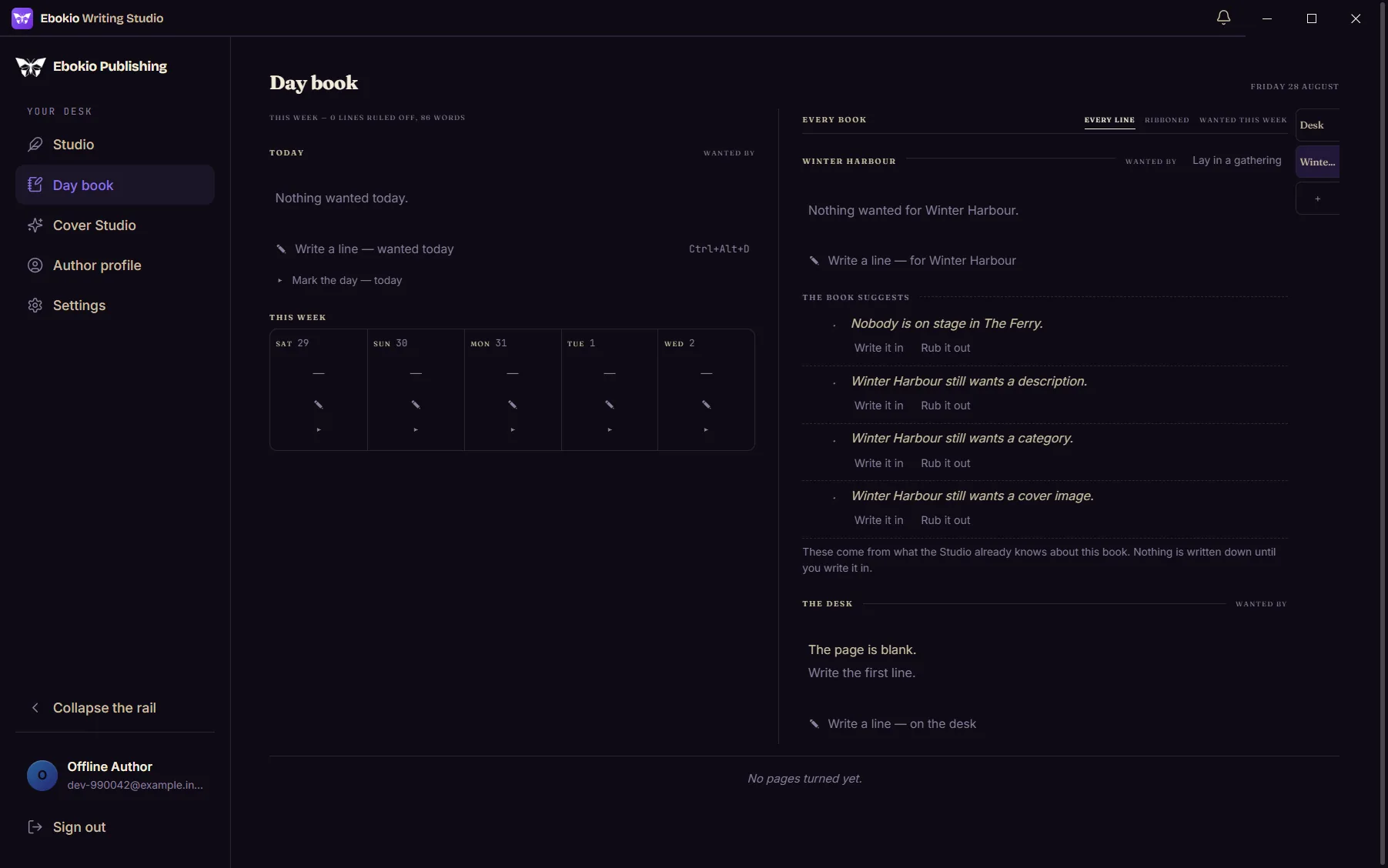
Chapters, story bible, outline, maps, timeline, day book and covers live on your own disk. Open the book on a train, in a cottage with one bar of signal, at 3am when the router has opinions — and it posts itself the moment you're back.
The same Studio everywhere you write
Use it on your Windows desk, in any browser, and on your phone — one account, one book, always in step.
publishing.ebokio.com/dashboard/studio
Studio in your browser
Open the Studio> Get-FileHash .\Ebokio-Writing-Studio-Setup-0.1.1.exe Algorithm SHA256 Hash 645aee7aa09fe9a123…
Verified, edition by edition
How it's verifiedWindows will warn you. Here's what to click.
The installer isn't code-signed yet, so Windows says it protected your PC from an app by an unknown publisher. That's accurate. Two clicks get you through; the checksum below proves the file is the one we built.
- Open the file you downloaded — Ebokio-Writing-Studio-Setup-0.1.1.exe. If your browser held it back as not commonly downloaded, choose Keep first (in Edge it's under the … beside the download) — the same missing signature, not a problem with the file.
- A blue box appears: Windows protected your PC. There is no visible "run" button, only Don't run.
- Click the small More info link under the message.
- The box expands to show Publisher: Unknown publisher and a Run anyway button. Click it.
- The installer opens. It installs into your own user folder — Windows never asks for an administrator password.
Windows protected your PC
Microsoft Defender SmartScreen prevented an unrecognised app from starting. Running this app might put your PC at risk.
More info
Don't run
Windows protected your PC
Microsoft Defender SmartScreen prevented an unrecognised app from starting. Running this app might put your PC at risk.
App: Ebokio-Writing-Studio-Setup-0.1.1.exe
Publisher: Unknown publisher
Run anywayDon't run
What you need
- Windows
- Windows 10 (1809 or newer) or Windows 11.
- Processor
- 64-bit Intel or AMD. No Arm build yet.
- Disk
- About 450 MB, plus room for your projects and their local snapshots.
- Permissions
- None special. Per-user install; uninstalling never touches your library.
- Account
- A free Ebokio account — create one. You sign in through your browser once; no password is typed into the app.
Verify the download
Every edition ships with its SHA-256. In PowerShell, in your Downloads folder:
Get-FileHash .\Ebokio-Writing-Studio-Setup-0.1.1.exe -Algorithm SHA256
Edition 0.1.1 · 11 October 2026
645aee7aa09fe9a12396c2d53ac93b5a988ee7772df0ac803a714557e983e44fCompare the Hash it prints with the one above — the same value, case aside. If they differ, delete the file and tell us.
Start writing. Install later, or never.
The Studio is free on every plan, in the browser and on the desktop. The desktop one just doesn't need the internet to open your book.