Accessible EPUB checklist for self-publishers
Most self-published ebooks start life as a manuscript in a word processor and become an EPUB through an export button, a conversion tool or a freelancer. The manuscript can look perfect on screen while the exported file has no real headings, images with no text alternative, a contents list in the wrong order, or no record of its own language. A reader using a screen reader, a large font size or a high-contrast theme meets the export, not the manuscript.
This accessible EPUB checklist is for the person who has to stand behind that export: an independent author, a small press, or anyone reviewing a file a contractor has delivered. It works through the file itself, then the accessibility metadata that describes it, then the testing tools, and only then the European Accessibility Act. The order is deliberate. A usable file and honest metadata are worth having whatever your legal position turns out to be, and they are the parts you control directly.
Everything below is drawn from the W3C’s EPUB Accessibility 1.1 Recommendation, its companion techniques note, the W3C’s mapping of the Act to EPUB, WCAG 2.2, the European Commission’s page on the Act, and the official pages for EPUBCheck and Ace by DAISY. They are listed at the end.
What “accessible EPUB” means, and what it does not
EPUB is built on web technology. The W3C’s mapping note puts it plainly: EPUB is based on the Open Web Platform, with HTML, CSS, XML, MathML and SVG as its core content technologies, so EPUB publications “can be created with a high degree of accessibility simply through proper application of established techniques for digital accessibility.” The building blocks are the same ones used for accessible web pages.
EPUB Accessibility 1.1 builds on the Web Content Accessibility Guidelines (WCAG) rather than replacing them. To conform, an EPUB must at minimum meet WCAG 2.0 Level A. The standard strongly recommends the latest version of WCAG 2 and Level AA, and it is candid that most practitioners do not regard Level A as a high degree of accessibility. It also adds requirements that WCAG does not have, such as accessibility metadata and page navigation in some cases. That is why the standard notes that a publication can conform to WCAG without conforming to EPUB Accessibility.
Three layers: the file, the claim and the law
It helps to keep three questions apart, because they are often blurred together:
-
Is the file usable? Real headings, a working table of contents, text alternatives, a declared language, sensible reading order, text that reflows. This is about the content and markup.
-
What does the file say about itself? The accessibility metadata in the package document, and, only if an evaluation has been done, a conformance claim naming the standard, the WCAG version and level, and who evaluated it.
-
What does the law require of you? For readers in the EU, that is the European Accessibility Act as implemented in each country. The W3C’s mapping is explicit that it is a technical mapping of the Act’s e-book requirements to EPUB Accessibility 1.1. It is published as a W3C Group Note, and it is not the legal text of the Act.
A file can be very usable without any formal claim. A file can also carry metadata that is completely honest about its gaps. The aim of this checklist is to improve the first and make the second true.
The accessible EPUB checklist at a glance
Use this as the pass you run on every export, or as an ebook accessibility checklist for a file someone else has delivered. Each item is explained in the sections that follow.
-
[ ] Chapters and sections use real heading markup, in a logical hierarchy.
-
[ ] The table of contents works and follows the reading order.
-
[ ] The language of the book is declared, and passages in another language are marked.
-
[ ] Every informative image has a text alternative; decorative images can be ignored by assistive technology.
-
[ ] Text is real text, not a picture of text, wherever real text would do.
-
[ ] The reading order, links, tables and notes make sense when read aloud.
-
[ ] Text reflows and can be resized; contrast is sufficient; colour is not the only cue.
-
[ ] If the book is fixed layout, its limits are stated honestly.
-
[ ] accessMode, accessibilityFeature and accessibilityHazard are present and describe this file.
-
[ ] An accessibility summary, if used, adds information and names known gaps.
-
[ ] A conformance claim appears only if the file has been evaluated, using the exact wording the standard requires.
-
[ ] The file has been run through EPUBCheck and Ace by DAISY, and read in more than one reading system.
A file checklist you can actually run
Real headings and a navigable table of contents
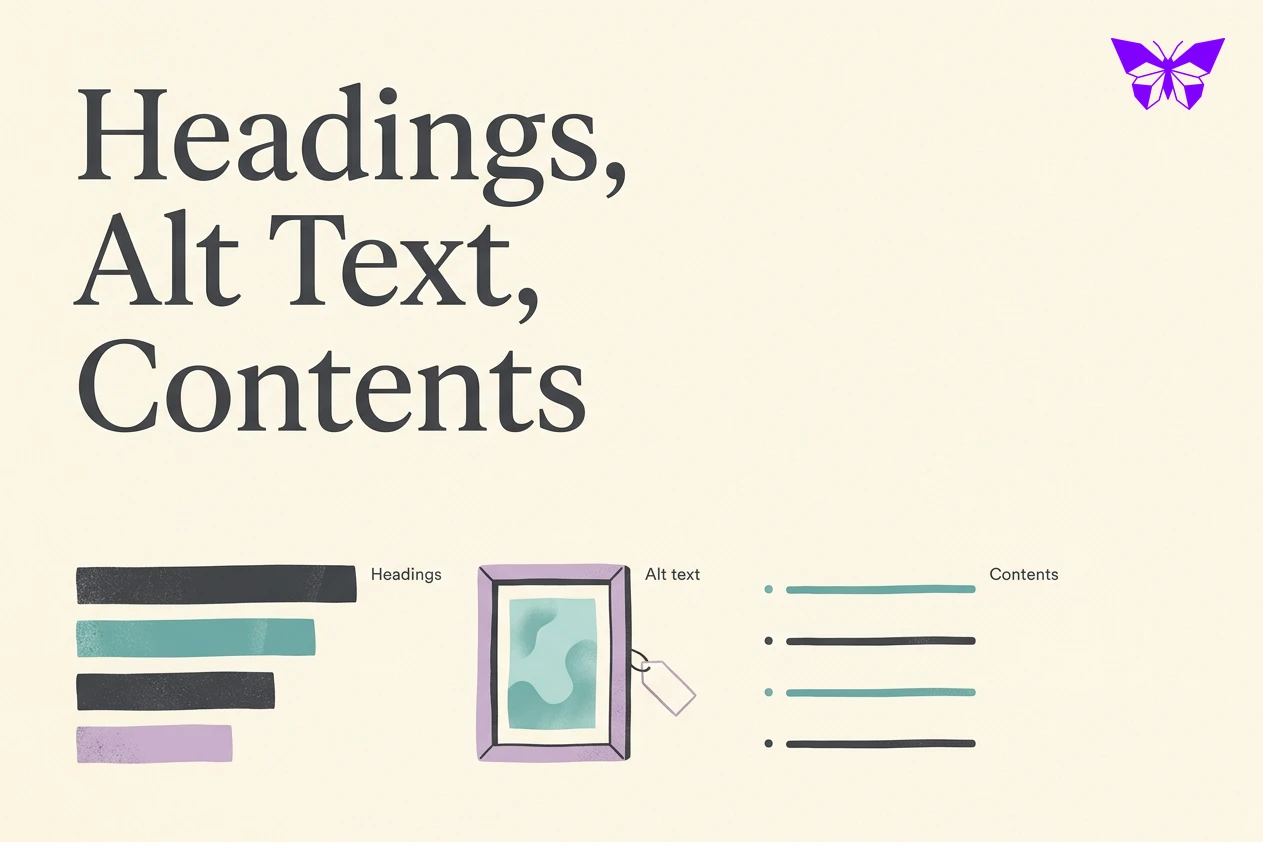
Headings are how a screen reader user skims a book, in the same way a sighted reader scans the page for bold chapter titles. If your manuscript uses a “Heading 1” style that only looks large, or if chapter titles are ordinary paragraphs with big bold text, the export may not contain heading markup at all. WCAG’s Info and Relationships criterion (Level A) asks that structure conveyed visually is also available programmatically, and Headings and Labels (Level AA) asks that headings describe their topic or purpose.
The table of contents is the main way readers move around an EPUB. The W3C techniques note advises that its entries should match the linear order of the content: the order of documents in the spine and the order of sections inside each document. If you deliberately order it differently, the note says to explain why in the accessibility summary. It also advises against tacking links to supplementary material onto the end of the contents; lists of figures or tables work better as separate navigation lists.
Check the export, not the manuscript: open the file, open the contents menu, and follow every entry. If you write in a word processor, our guide to EPUB vs DOCX explains why heading styles matter before you export.
Language of the book, and of passages in another language
A screen reader uses the declared language to choose pronunciation. WCAG’s Language of Page criterion (Level A) asks that the default language can be programmatically determined, and Language of Parts (Level AA) asks the same for passages or phrases in another language, with exceptions such as proper names and technical terms.
In an EPUB, the techniques note points to two places. The package document should carry the language of its text, most easily with an xml:lang attribute on the root package element, and the publication’s languages go in dc:language. The note adds that EPUB 3 requires the language to be specified, so a missing language fails validation. Inside the content, a French quotation in an English novel, or a glossary in another script, should be marked with its own language.
Images: text alternatives, decorative images and pictures of text
WCAG’s Non-text Content criterion (Level A) requires a text alternative that serves the equivalent purpose for non-text content. It also says that pure decoration should be implemented so that assistive technology can ignore it. For an author, that means two different jobs:
-
Informative images (a map, a diagram, a photo that carries meaning) need alternative text that says what the image contributes, not just what it is. “Map of the river crossing, showing the north bank village and the ford” helps more than “map”.
-
Decorative images (an ornament between scenes, a flourish under a chapter title) should be marked so they are skipped, rather than described.
Complex images may need more than a short alternative. The techniques note records that an earlier exception has gone: EPUB creators must now make sure image-based content meets WCAG’s requirements for both alternative text and extended descriptions to conform to EPUB Accessibility 1.1.
Finally, WCAG’s Images of Text criterion (Level AA) asks that real text is used rather than images of text where the technology allows it, with exceptions for customisable images and cases where the presentation is essential, such as logotypes. A chapter title exported as a picture cannot be resized, restyled or read aloud.
Reading order, links, tables and footnotes
WCAG’s Meaningful Sequence criterion (Level A) asks that, where the order of content affects its meaning, a correct reading sequence can be programmatically determined. In an EPUB, the techniques note describes the default reading order as the sequence of documents in the spine combined with the order of elements in each document. Sidebars, boxed text and pull quotes are the usual trouble spots: check that they fall where a reader would expect them, not in the middle of a sentence.
Links should make sense: WCAG’s Link Purpose (In Context) criterion (Level A) asks that the purpose of each link can be determined from its text, or from its text and context. “Read the full study” is clearer than “click here”. Tables should be used for tabular data and marked up as tables, not as images or as text spaced out with tabs. For footnotes and endnotes, mark the note references and the notes themselves with EPUB’s footnote or endnote semantics. The techniques note explains that the epub:type attribute provides hooks for reading-system features such as pop-up footnotes, and that leaving it out diminishes them. Then check that each note link goes to the right note and that you can get back to the text. If you also produce an edition with synchronised audio (EPUB media overlays), the same note asks you to mark footnotes and endnotes so that listeners can skip them during playback.
Reflow, contrast and colour that is not the only cue
The W3C mapping links the Act’s presentation requirements to several WCAG Level AA criteria, including Contrast (Minimum), Resize Text, Reflow and Text Spacing. In practice, for a reflowable EPUB:
-
Don’t fix font sizes or line heights in a way that stops a reader changing them.
-
Text and images of text need a contrast ratio of at least 4.5:1, or 3:1 for large-scale text, under WCAG’s Contrast (Minimum) criterion. This matters most for coloured headings, tinted boxes and text placed over images.
-
Colour must not be the only visual means of conveying information (WCAG Use of Color, Level A). If a timeline uses red for one character and blue for another, add a label as well.
Fixed layout: when flexibility is limited, and how to be honest about it
A fixed-layout EPUB places every element in a set position, usually to reproduce a print page. The W3C mapping says this format is mainly used where meaning is driven by layout, such as comics, illustrated children’s books and art books. It is also frank about the limits: although good accessibility is technically possible in fixed layout, “some accessibility requirements cannot be met”, because readers cannot change the graphical formatting of the text to suit their needs.
If your book has to be fixed layout, do what can be done (real text rather than text baked into images where possible, text alternatives, a working contents list, a logical reading order across a spread) and then let the metadata say what cannot be done. That is not a failure of honesty; it is exactly what the summary field is for.
Accessibility metadata: describe this file, not a template
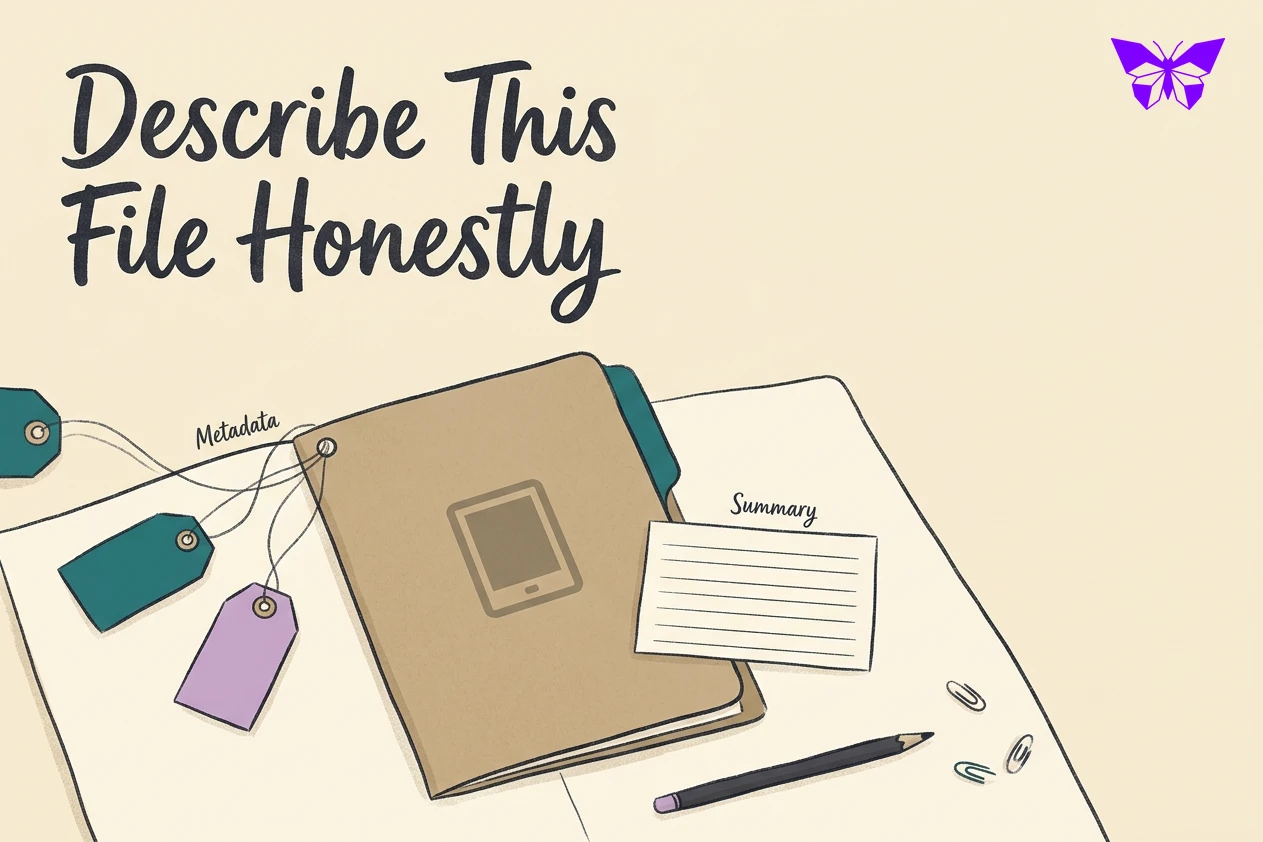
EPUB Accessibility 1.1 explains why metadata matters: an EPUB is distributed through many channels, and an online bookstore aggregating titles from publishers and authors “does not know the production quality that went into each submission unless the publisher informs them through metadata.” The W3C mapping adds that this information only reaches readers if everyone in the supply chain manages it and displays it. Your part is to put accurate metadata in the file.
The required three
According to EPUB Accessibility 1.1, all EPUB publications must include schema.org accessibility metadata in the package document, whether or not they meet the standard’s accessibility requirements. Three properties are required:
-
accessMode: the senses or faculties needed to perceive the content, such as textual or visual.
-
accessibilityFeature: the features and adaptations in the file, such as alternative text or extended descriptions.
-
accessibilityHazard: potential hazards such as flashing, motion simulation or sound.
The techniques note adds the details that trip people up. accessibilityFeature is repeated once for each feature, rather than squeezed into one entry. The values “none” and “unknown” exist but do not meet the reporting requirement; at least one real feature must be listed to claim conformance. Hazards should be reported even when there are none: the value “none” can be used instead of listing each non-hazard, but then no other hazard value may appear. If you genuinely cannot tell whether a hazard is present, the note says to list it as unknown. It also clarifies that access modes describe the content as created: a comic that includes alternative text for every image still does not have a textual access mode.
The recommended two
The standard says EPUBs should also include:
-
accessModeSufficient: one or more sets of access modes that are enough to read the content without significant loss of information. An illustrated book with full text alternatives, for example, can be read visually and textually, or textually alone. The techniques note separates multiple modes within one set with commas.
-
accessibilitySummary: a human-readable summary that complements, rather than repeats, the other metadata, and describes any known deficiencies.
A pattern of entries, adapted from the W3C examples, looks like this. The values here are placeholders. Yours must describe your own file:
<meta property="schema:accessMode">textual</meta>
<meta property="schema:accessMode">visual</meta>
<meta property="schema:accessModeSufficient">textual,visual</meta>
<meta property="schema:accessModeSufficient">textual</meta>
<meta property="schema:accessibilityFeature">alternativeText</meta>
<meta property="schema:accessibilityHazard">none</meta>
The summary deserves particular care. The techniques note says not to include one when you have nothing to add to the claim and other metadata. Where a file falls short, it says the reasons should be noted; its own example reads, in part, “The publication is missing alternative text for complex diagrams.” That plain, specific style is the one to copy. A boilerplate summary pasted into every book, praising features the file does not have, is worse than none.
When, and when not, to add a conformance claim
A conformance claim is a formal statement, and EPUB Accessibility 1.1 is strict about its form. To claim conformance, the package metadata must include a dcterms:conformsTo property whose value exactly matches, in case and spacing, the pattern “EPUB Accessibility [version] – WCAG [version] Level [level]”, for example “EPUB Accessibility 1.1 – WCAG 2.2 Level AA”, using the WCAG version and level that were actually met. The package must also include an a11y:certifiedBy property naming the party that evaluated the publication. The standard’s own examples include an author self-evaluating, so a self-publisher can be the evaluator, but the name in that field is a statement that an evaluation took place.
The standard also sets the bar for what is being claimed. When determining conformance at a level, the whole publication must meet the requirements of that level, and the guidelines must be evaluated against the full publication, not just each document within it. So the honest rule is simple: add a conformance string only after the whole file has been evaluated against the standard at the level you name. If you have improved some features but have not evaluated the whole book, describe those features in accessibilityFeature and the summary, and leave the claim out.
Keep the file and the listing consistent
EPUB Accessibility 1.1 does not dictate how conformance metadata is expressed outside the package document, and it makes keeping internal and external accessibility metadata consistent the responsibility of authors, publishers and distributors. When a distributor or store form asks about accessibility, answer it from the same facts as the file. A form question is not the same thing as a legal determination, and the answers should never contradict what the EPUB says about itself.
How to test the export, not only the manuscript
EPUBCheck
EPUBCheck describes itself as “the conformance checker for EPUB publications”. It is open source, a W3C project maintained by the DAISY Consortium, and it evaluates EPUB publications against the official EPUB specifications, covering both EPUB 2 and EPUB 3. It runs as a command-line tool or a Java library, and its page links to third-party apps that build it in.
Run it on every export. A clean result tells you the file is structurally valid against the EPUB specifications. It does not tell you that headings make sense, that alternative text is useful, or that the metadata is true. Passing EPUBCheck is necessary housekeeping, not an accessibility pass.
Ace by DAISY
Ace by DAISY is a free, open-source tool from the DAISY Consortium “designed to check the accessibility of EPUB files at any point in a publishing workflow”, and developed to assist in evaluating conformance to the EPUB Accessibility specification. Its official page says it can be used by self-publishing authors as well as publishers and vendors, and that it runs automated accessibility tests on EPUB content documents, and generates an HTML report focused on violations, metadata, document outlines and images. There is a command-line version and a desktop app.
The report is a good place to start: it shows the heading outline and lists the images, which makes missing structure and missing alternatives easy to spot. But automated tests can only check what a machine can check. Ace’s own description is that it assists evaluation. Whether an alternative text is accurate, or whether a reading order makes sense, still needs a person.
Manual checks in more than one reading system
Reading systems differ, so open the file in at least two and work through a short routine:
-
Open the table of contents and follow every entry.
-
Increase the text size a long way and change the theme; check that text reflows and nothing is cut off or overlaps.
-
If the reading system offers read-aloud or works with a screen reader, listen to a chapter opening, an image, a table and a note reference.
-
Where keyboard navigation is supported, move through links without a mouse.
-
Read the image alternatives on their own and ask whether they convey what the image does.
-
Check coloured text and boxes for contrast and for meaning carried by colour alone.
Write down what you tested and where it fell short. That record is what makes an honest accessibility summary possible.
Which check answers which question
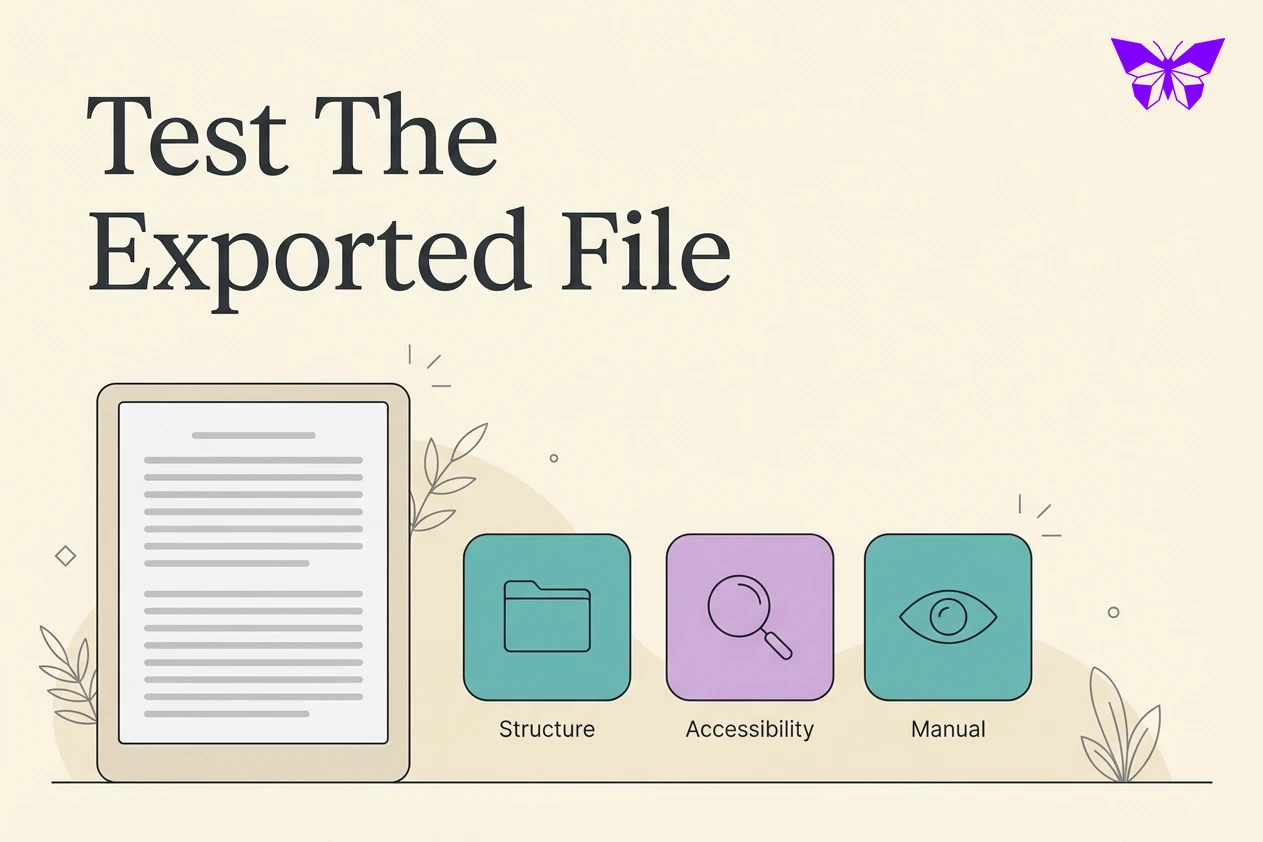
Before you rely on any result, be clear about what each check can tell you. Validity against the EPUB specifications is EPUBCheck’s job. Automated accessibility tests, with a report on violations, metadata, the heading outline and images, are what Ace by DAISY provides. Whether the file is pleasant and workable to read with large text, read-aloud or a screen reader is something only the manual checks answer.
If you also use another pre-flight tool, such as the checks built into an export or conversion program, read its own documentation to see what it covers. Unless that documentation says otherwise, treat a pass as a structural once-over, not as an accessibility result. Run EPUBCheck, Ace by DAISY and the manual checks above before you describe the file’s accessibility in its metadata.
The European Accessibility Act, in plain language
What the Act is and what it covers
The European Commission describes the European Accessibility Act as “a directive that aims to improve the functioning of the internal market for accessible products and services, by removing barriers created by different rules in Member States.” It covers products and services that the Commission identifies as most important for persons with disabilities and most likely to face different accessibility rules from one EU country to the next. The Commission’s list includes, among others, computers and operating systems, smartphones, banking services, e-books and e-commerce.
The W3C mapping describes the Act as an EU directive setting accessibility requirements for a range of products and services, among them e-books, dedicated e-reading devices and software, and e-commerce. According to the same W3C page, the Act was enacted on 27 June 2019 and its requirements apply from 28 June 2025. The Commission’s page adds that Member States had to incorporate the Act into their national law by June 2022, and that the Commission monitors that implementation.
What the W3C mapping says an e-book needs
The mapping takes the Act’s requirements that apply to e-books, both the general ones for services and the specific ones for e-books, and points each one to EPUB Accessibility 1.1 and WCAG. Among the outcomes it maps are:
-
information available through more than one sensory channel, supported by text alternatives and by not relying on colour or sensory characteristics alone;
-
e-book files that do not prevent assistive technology from operating properly;
-
access to the content and its navigation, with structure and flexibility in presentation, which the mapping links to the EPUB table of contents, page navigation where it applies, and WCAG’s Adaptable guideline and Reflow criterion;
-
synchronised text and audio where an e-book contains audio as well as text (in EPUB, media overlays);
-
discoverability, by providing information about accessibility features through metadata.
The mapping concludes that EPUB Accessibility 1.1’s additional requirements, beyond WCAG, are critical to fully meeting the Act’s requirements. It also notes that some requirements fall outside the e-book file itself and belong to reading systems, e-commerce sites and support services.
Who it applies to, and your own obligations
This is the point at which a checklist has to stop. The Commission’s page lists e-books among the covered products and services, but it does not decide whether a particular author, small press, distributor or store is responsible for what, and national laws implement the directive. The directive’s text, linked from the Commission’s EAA page, sets out the scope, the obligations and any exemptions. EPUB Accessibility 1.1 also records that an EPUB can state it meets no accessibility standard (for example, when claiming an exemption) using dcterms:conformsTo with the value “none”, and refers to a separate W3C exemption property for details.
Read the Commission’s page and the directive, check how your country and the countries you sell into have implemented it, and take professional legal advice if you are unsure whether, or how, the Act applies to you. Nothing in this guide is a legal determination. And whatever your position, a usable file and truthful metadata remain worth doing for your readers.
Common mistakes
-
Claiming features the file was not tested for. If nobody checked the image alternatives, alternativeText should not be listed as a feature on trust.
-
A template accessibility summary. A summary copied between books, or one that repeats the metadata, adds nothing. Say what is specific to this file, including gaps.
-
Treating EPUBCheck as an accessibility pass. It checks the file against the EPUB specifications, which is valuable but different.
-
Adding a conformance string or “certified” wording with no evaluation. The conformance string and a11y:certifiedBy are statements that the whole publication was evaluated at a stated level.
-
Leaving out hazard metadata because there are no hazards. Use “none” so that readers do not have to guess.
-
Forgetting structure and language in a Word-to-EPUB export. Fake headings and an undeclared language are faults an export can introduce without anyone noticing. If you are still deciding how to produce your file, start with EPUB vs DOCX and the wider steps in how to self-publish a book.
Frequently asked questions
Does every self-published EPUB have to meet the European Accessibility Act?
The Commission lists e-books among the products and services the Act covers, but who is responsible, and whether any exemption applies, is set by the directive and by national law. Read the Commission’s EAA page and the directive, check the countries you sell into, and take legal advice if you are unsure. Separately from the law, EPUB Accessibility 1.1 asks every EPUB to carry accessibility metadata.
Is passing EPUBCheck enough?
No. EPUBCheck evaluates the file against the EPUB specifications. Ace by DAISY adds automated accessibility tests, and manual checks in reading systems cover what neither tool can judge, such as whether alternative text is accurate.
What is the difference between accessibility metadata and a conformance claim?
Accessibility metadata (accessMode, accessibilityFeature, accessibilityHazard, and ideally accessModeSufficient and a summary) describes the file and is required for every EPUB under EPUB Accessibility 1.1. A conformance claim is an extra statement, in an exact format, that the whole publication has been evaluated against the standard at a named WCAG level, with a11y:certifiedBy naming the evaluator.
Can a fixed-layout picture book meet every requirement?
The W3C mapping says good accessibility is technically possible in fixed layout, but that some requirements cannot be met because readers cannot change the text’s formatting. It names comics, illustrated children’s books and art books as typical examples. Do what the format allows and describe its limits in the accessibility summary.
Where should I start if I only have time for one pass?
Fix headings and the table of contents, declare the language, add text alternatives to informative images, and add honest accessibility metadata. Then run EPUBCheck and Ace by DAISY on the exported file and read it in a reading system with large text.
Sources
Opened on 23 November 2026.
-
W3C, EPUB Accessibility 1.1, W3C Recommendation, 17 October 2024.
-
W3C, EPUB Accessibility Techniques 1.1, W3C Group Note, 13 March 2025.
-
W3C, EPUB Accessibility – EU Accessibility Act Mapping, W3C Group Note, 28 August 2025.
-
European Commission, European Accessibility Act (EAA).
-
W3C, EPUBCheck.
-
DAISY Consortium, Ace by DAISY.
Before your next upload, run the export through EPUBCheck and Ace by DAISY, then read it in more than one reading system. For the steps around the file, from editing to publishing, see how to self-publish a book, or browse the other Ebokio Publishing guides.