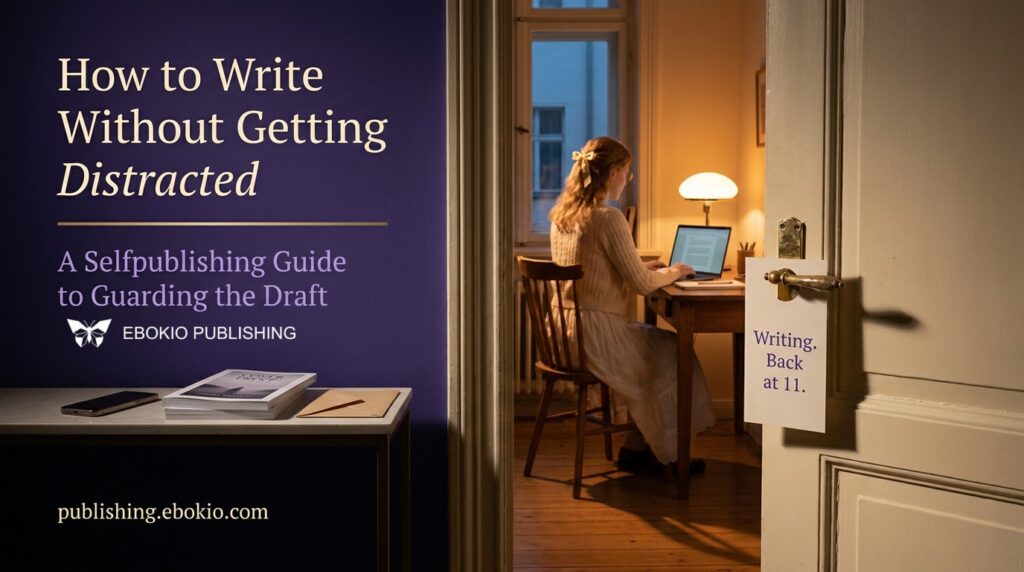
Take an ordinary selfpublishing morning. At 9:00 the manuscript is open. At 9:03 you check whether last night’s price change moved anything. At 9:09 a reader’s message is waiting for a reply. At 9:21 you are comparing two cover fonts you settled last week. By 9:45 the chapter has grown by 140 words, and most of them sit in the paragraph you were rewriting when the morning began.
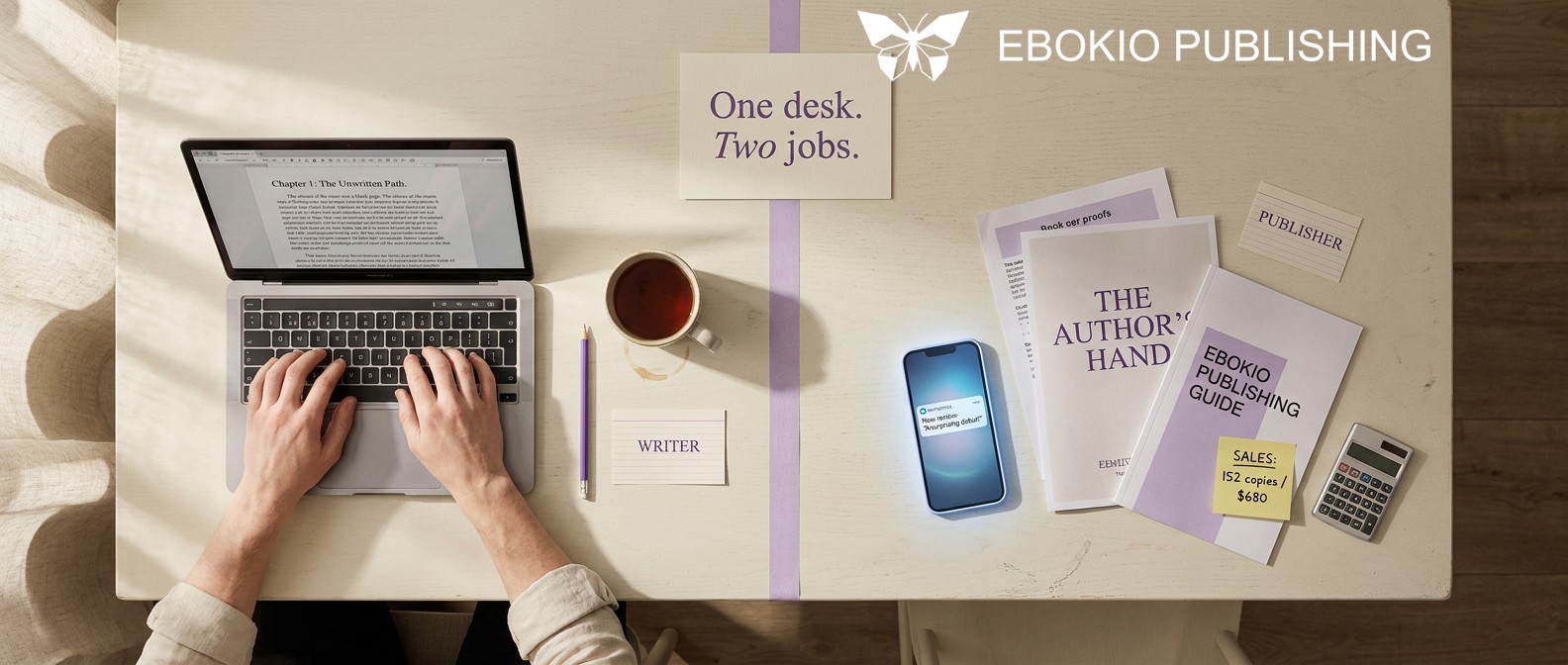
No cat videos were involved. Every detour felt like work, because each one was work. That is the distraction problem that belongs to selfpublishing: the author and the publisher share one desk, one browser and one head, and the publisher never knocks.
This guide shows how to write without getting distracted when the distraction is your own business. It treats focus as a design problem, not a test of character. It draws on two decades of attention research and on the way Ebokio Publishing separates the writing room from the shop floor. You’ll come away with a method for diagnosing your interruptions, a session plan, if-then rules for the moment the pull arrives, and a daily rhythm that gives the business its hour without letting it raid the draft.
What Ebokio Publishing is, and why it matters for focus
Ebokio Publishing, found at publishing.ebokio.com, is a UK selfpublishing platform for ebooks. You upload a manuscript as EPUB or DOCX, a human reviewer checks it, and the book goes on sale as its own product page in the Ebokio digital bookshop at ebokio.com, where readers find it, buy it and read it. You keep your rights, the listing is never exclusive, and you earn 70%, 80% or 90% of net receipts depending on your plan. Every account, the free one included, comes with the Writing Studio, the cover tools and the author dashboard.
That last sentence is the one that matters here. The Studio holds your story bible, your outline, your daily goals and sprint timer, and the editor you will publish from. The dashboard holds sales, reads and promotions. Two rooms under one roof. Most of this guide is about keeping the door between them shut while you write, and opening it on purpose once you’re done.
The real price of a “quick check”
“It’ll take a second” may be the most expensive sentence in a writer’s day. The second is cheap. What follows it is not.
In a study presented at CHI 2005, Gloria Mark, Victor González and Justin Harris of UC Irvine shadowed 24 information workers and timed their activities to the second. The researchers grouped activity into “working spheres”, clusters of tasks that serve one goal, and 57% of those spheres were interrupted. When people returned to interrupted work the same day, the gap averaged 25 minutes and 26 seconds, and they had worked in 2.26 other spheres in between. A detour is rarely a single hop. It’s a chain.
Translate that chain into selfpublishing terms. A glance at royalties turns into a reply to a reader, which reminds you that the blurb needs a sharper first line, which sends you off to study rival titles. Three tasks later, the scene you left has gone cold.
Two more findings matter here. In the same study, the analysts and developers interrupted themselves about as often as other people interrupted them, and Mark summed up the wider pattern in a 2024 interview: “half the time we interrupt ourselves”. If you write alone, nobody leans over the cubicle wall, so most of your breaks will be ones you start. Then, in a 2008 experiment, Mark, Daniela Gudith and Ulrich Klocke found that interrupted participants finished their work faster, with no loss of quality, but reported more stress, frustration, time pressure and effort. The cost doesn’t always show in the word count. It shows in how drained you feel at five o’clock.
A switch also leaves something behind. Sophie Leroy, now dean of the business school at the University of Washington Bothell, named it attention residue in 2009: part of your mind stays on the task you just left, and your performance on the next one suffers. Check a sales chart, return to an argument between two characters, and part of you is still doing arithmetic.
Then there is the wider habit. In that same interview, Mark explained that her first measurements, made in 2003, put the average time on a single screen at two and a half minutes. Across studies from 2016 to 2020, it was 47 seconds. Your attention has been trained to hop. A writing routine has to train it back.
Name the intruder: pings, itches and errands
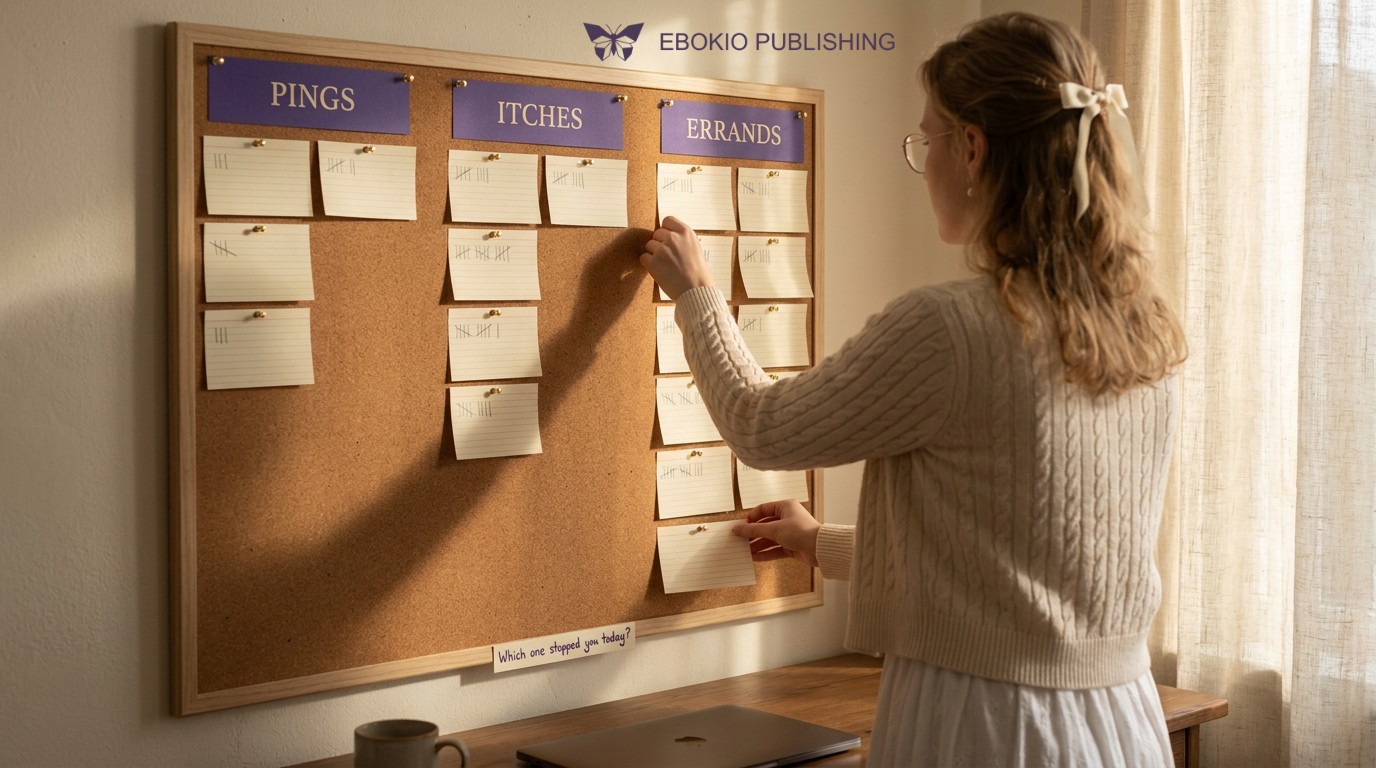
Distractions don’t all respond to the same cure, so sort them before you try to fix anything. Three groups cover most of what breaks a session.
Pings come from outside: notifications, calls, a message preview sliding down the screen. They’re the obvious suspects, and they cost more than they seem to. Cary Stothart, Ainsley Mitchum and Courtney Yehnert at Florida State University found that receiving a call or text alert disrupted performance on an attention task even when participants never touched their phones. The size of the effect was comparable to what earlier studies recorded when people used their phones. Switching to vibrate doesn’t solve it; a buzz is still a notification.
Itches come from inside: the urge to look up a fact, fix a sentence three pages back, try the scene from another point of view, or reread chapter one “to get back into it”.
Errands belong to the publisher in you, the side of selfpublishing that never clocks off: the dashboard, a promotion date, a review, a cover tweak, a pricing idea. They’re the hardest to refuse because they’re legitimate. Nobody feels guilty about working on their own business.
For your next three sessions, keep an index card by the keyboard. Each time you stop, mark P, I or E. Change nothing yet. The tally shows where effort should go: pings call for a change of environment, itches need a parking place, and errands need a timetable. If the E column runs longest, the second half of this guide will help you more than any website blocker.
Before you sit down: choose the scene, not the mood
A session that opens with “what shall I write today?” opens with a vacuum, and a browser tab will fill it. Make that decision the evening before, when you aren’t trying to write.
The Studio’s outline is built for the job. It holds acts, chapter briefs and a corkboard you can reorder, and it ships with five beat-sheet frameworks: Save the Cat, Hero’s Journey, Three-Act, 7-Point and Romancing the Beat. You don’t need the whole book plotted to use it. You need one brief that answers three questions about tomorrow’s scene: whose scene is it, what do they want, and what goes wrong? If you haven’t settled on a daily target yet, our guide to setting realistic writing goals covers how to choose one.
Then write your rules as if-then plans. Psychologists call them implementation intentions. In a meta-analysis of 94 independent tests, Peter Gollwitzer and Paschal Sheeran found that these plans had a medium-to-large effect on goal attainment (d = 0.65). They helped people get started, and they helped shield a goal already under way from unwanted influences. That second effect is the one a distracted writer needs. Write two kinds:
• A start plan: “If it’s 6:30 and the kettle clicks off, I open the Chapter 12 brief and start a sprint.”
• A shield plan: “If I want to check sales, I mark an E on the card and finish the sentence I’m in.”
Last, deal with the pings before they begin. Put the phone in another room rather than face down beside you, and switch off notifications at the system level on the computer you write with.
The sprint: let the timer and the counter keep the books
Francesco Cirillo built the Pomodoro Technique as a university student around a tomato-shaped kitchen timer: 25 minutes of work, a short break, and a longer rest after four rounds. A timer works because it turns “write until I feel done” into a promise with an end. For authors, it leaves two gaps. It counts minutes, and minutes aren’t chapters. And many timer apps live on the phone, the one device you were trying to put away.
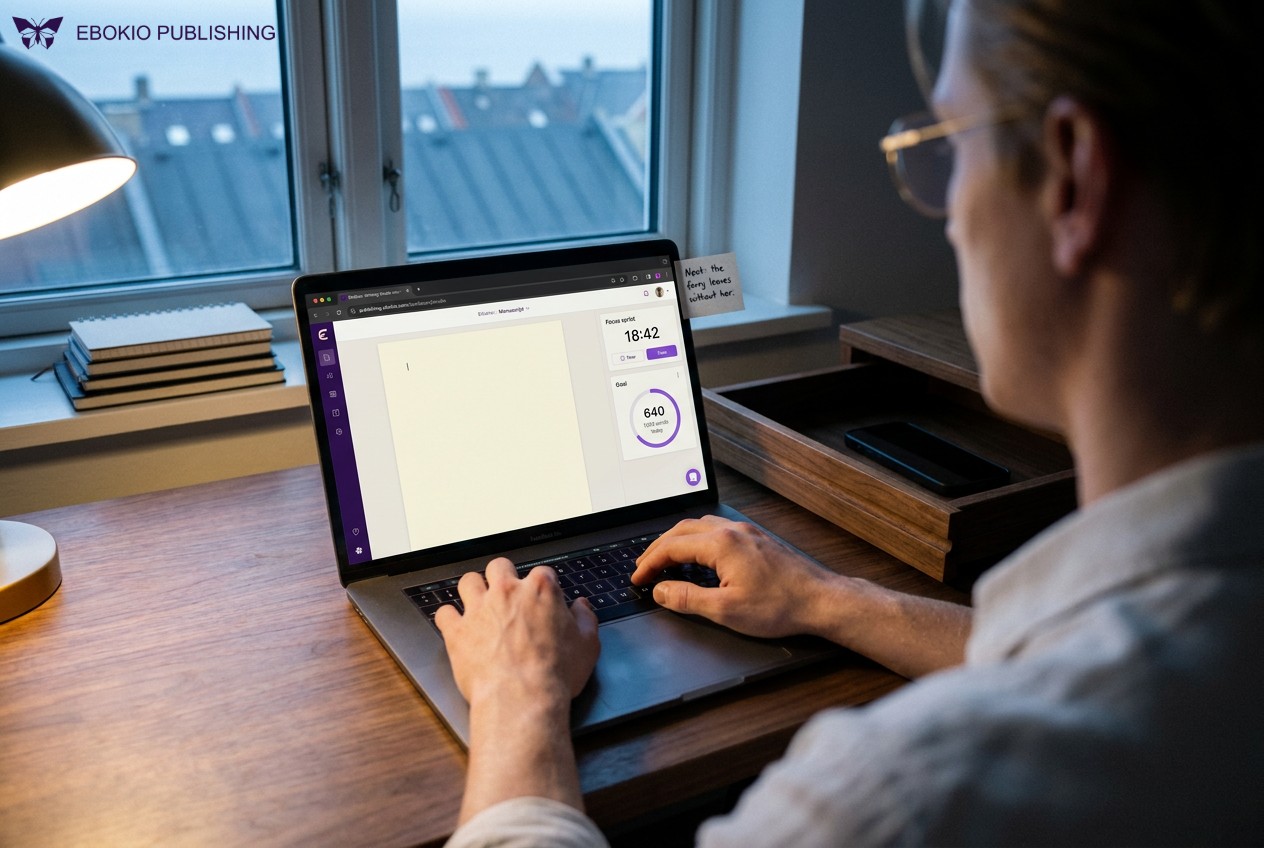
The Goals tab in Ebokio’s Writing Studio closes both gaps. You set a daily word goal and watch a ring close around it. You start a focus sprint in the same window as the manuscript, and whatever you type before the timer stops is counted for you. A streak heatmap shows the run you’re building, and a day off doesn’t reset it. That detail matters more than it looks. A streak that snaps after one missed Sunday turns rest into failure, and a sense of failure is a strong argument for avoiding the desk on Monday.
Scrivener is the tool many novelists measure against, so it deserves a fair look. It offers a full-screen composition mode, word targets for the manuscript or the current session, and a Writing History of what you wrote each day. Those are solid features. The difference arrives at the end of the draft. Scrivener compiles your manuscript into an EPUB that you then take to a store, a separate job with its own settings to tinker with. In Ebokio, the editor you sprint in is the editor you publish from, so there’s no export, no re-import and no formatting lost along the way. The Studio is also free on every plan, while Scrivener sells a separate licence for each platform.
How three focus tools compare
|
|
Ebokio Writing Studio |
Scrivener |
Pomodoro timer app |
|
Where you write |
A distraction-free editor that is also your publishing editor |
A full-screen composition mode |
Nowhere: it runs beside your editor |
|
Session tracking |
Focus sprints that count your words as you type |
Word targets for the manuscript or the session |
Minutes, not words |
|
Progress view |
Daily goal ring and a streak heatmap that rest days don’t reset |
A Writing History of words per day |
Varies by app |
|
Planning in the same place |
Story bible, relationship map, outline and five beat frameworks |
Corkboard, outliner, character and location templates |
None |
|
From draft to sale |
Same editor, human review, live product page in the Ebokio bookshop |
Compile to EPUB, then upload it to a store yourself |
Not part of the job |
|
Price of the writing workspace |
Free on every plan; AI tools on Premium and Pro |
A paid licence per platform, with a free trial |
Varies by app |
When an itch arrives mid-sentence
Itches don’t look like distractions. They arrive dressed as diligence. The rule: capture the itch, don’t scratch it.
Facts about your own book. Can’t remember what car the sister drives or what the ferry is called? The usual move is to scroll back through forty thousand words, and somewhere around chapter three you start editing. The Studio’s story bible keeps characters and locations, with their traits, arcs and notes, a single click from the page in front of you, and the other Studio tabs draw on the same record. You check the detail and come straight back. If your bible is still thin, here is how to build your fictional world before you write.
Facts about the world. Type TK, the old newsroom mark for “to come”, and keep going. The letter pair is rare in English, so one search finds every gap later. Give research its own block of time; our guide to turning book research into vivid detail shows how to stop that block from eating the week.
Plot knots. Sometimes the next line won’t come because the story has a problem, not because you lack discipline. Write the knot as a question at the top of the chapter brief and jump to a part of the scene you can write. After the sprint, authors on Premium and Pro can take the question to Muse in the Brainstorm tab. Muse is a chat grounded in your own story bible rather than the open internet, and you can pin the answers worth keeping as colour-coded notes, so the fix waits inside the Studio beside the draft. A general chatbot in another tab offers help with the rest of the internet attached. Muse is there to help you think, not to write for you. Every sentence that ships is yours, and Ebokio asks authors to disclose AI involvement before a book goes on sale.
The formatting itch. Ebokio’s manuscript editor is built to be distraction-free, yet it also carries per-chapter ornaments, drop caps, custom title pages and a live device preview. Mid-draft, those tools are bait. Because drafting and formatting happen in the same editor, waiting costs nothing: every tool will be where you left it when the draft is done. Treat the inline grammar and spelling check on the paid plans the same way. Its flags belong to tomorrow’s revision pass, not today’s draft.
Stop on purpose: the ready-to-resume note
Most advice covers how to start a session. Little of it covers how to leave one, and the exit decides tomorrow’s entrance.
In “Monologue to the Maestro”, written for Esquire in October 1935, Ernest Hemingway advised stopping while the work is going well and you know what happens next, so that you never get stuck. Research has since given that habit a mechanism. In a 2018 study in Organization Science, Sophie Leroy and Theresa Glomb found that people who expected to return to an interrupted task under time pressure carried residue from it into the task that interrupted them, and performed worse there. A short “ready-to-resume” plan, a moment spent noting where they stood and how they would pick the work up, reduced the residue and protected their performance.
Mark’s 2005 field notes add a practical detail. A cursor blinking after the last typed word helped people reorient at once. When other windows had been opened in the meantime, some struggled to remember which document they had been working on.
So build the exit into every session:
1. Stop mid-scene, at a point where you know the next beat.
2. Write two lines in that chapter’s brief: where the scene stands and what happens next.
3. Leave the manuscript as the last thing open.
Tomorrow, the brief is the first thing you read, and the opening sentence is half-written before you sit down.
Give the publisher an office hour
Errands don’t vanish when you ignore them. They pile up and push. Give them a fixed slot, after the writing block where you can, so any residue spills into admin rather than into prose.
The author dashboard suits a short, complete visit. It shows live revenue and royalties; reader engagement, including pages read, completion rate, text-to-speech minutes and Ask-This-Book questions per title; discovery insights that tell you whether readers arrived through the AI Librarian, deals, genre browsing or a direct link; and, on Premium and Pro, one-click promotions. Any chart exports to CSV. Because every number updates in real time, there’s no reason to look mid-sprint. The figures will still be there at four o’clock.
A few habits keep the hour short:
• Stop refreshing the review queue. Every title is read by a person before it goes live. Expect 4 to 6 working days on the Free plan, less than 24 hours on Premium, and a place at the front of the queue on Pro. Status sits in your dashboard, and a notification arrives as soon as a book is approved.
• Let the manuscript draft its own metadata. On Premium and Pro, AI metadata autofill reads your book and suggests a blurb, categories and keywords for you to edit or accept. A blank-page chore becomes an editing task.
• Ask one place, not five tabs. On Pro, the AI Author Co-pilot opens from any dashboard page with your books, sales and manuscripts already in context. Pricing, pacing and comparable titles are questions for the publisher hour, not for the middle of a sprint.
• Star it and close it. When a cover variation or a blurb from the AI tools catches your eye, star it. Starred results go to your favourites library, so you can close the tab without losing the idea.
If you’re still deciding where to publish, the KDP vs Ebokio Publishing comparison sets rights, royalties and speed side by side, and our guide to selfpublishing in 2026 walks through each stage from draft to first sale.
When the connection is the problem
Some writers do their best work where the Wi-Fi can’t follow. Ebokio is testing a Windows edition of the Writing Studio with authors. It keeps your chapters, story bible and outline on your own disk, lets you write with no connection at all, and syncs the moment you’re back online. It isn’t public yet, so watch the Studio for Windows page for news. It’s built for Windows 10 (version 1809 or newer) or Windows 11 on a 64-bit Intel or AMD machine.
Until then, give the browser Studio a quiet stage: one window, one tab, full screen. The Studio also runs on your phone under the same account, so a twenty-minute train ride can hold a sprint, as long as the phone stays a typewriter for those twenty minutes.
Your undistracted session at a glance
|
When |
What you do |
Where in Ebokio |
|
The evening before |
Choose tomorrow’s scene; write one start plan and one shield plan |
Outline: chapter brief |
|
Minutes 0–2 |
Move the phone to another room; read yesterday’s two-line note |
Outline, then the editor |
|
Minutes 2–27 |
First focus sprint; mark P, I or E for every urge |
Goals: focus sprint |
|
Minutes 27–32 |
Step away from every screen |
Nowhere: that’s the point |
|
Minutes 32–57 |
Second sprint; note plot knots in the brief and mark research gaps with TK |
Goals and Outline |
|
Minutes 57–60 |
Write the ready-to-resume note; leave the manuscript open |
Outline: chapter brief |
|
Later that day |
Publisher hour: numbers, reader messages, metadata, promotions |
Author dashboard |
Two sprints a day is a modest start. Add a third when the first two stop feeling like a fight.
Frequently asked questions
How do I stop getting distracted while writing?
Sort your interruptions first: pings from devices, itches from your own mind and errands from the business side of selfpublishing. Move the phone out of the room, park itches in one place instead of acting on them, and give errands a fixed hour after you write. Then work in timed sprints on a scene you chose the evening before.
Is putting my phone on silent enough?
Not if it still buzzes or lights up on the desk. A 2015 study in the Journal of Experimental Psychology: Human Perception and Performance found that receiving call or text notifications disrupted attention even when participants never touched their phones. Another room beats face down beside the keyboard.
How long should a writing sprint be?
Twenty-five minutes, the Pomodoro default, is a sensible place to start. Gloria Mark has pointed out that a fixed interval suits some people better than others and can cut you off mid-flow; she suggests noticing when your own focus begins to fade and planning breaks around that rhythm. Whatever pattern you settle on, Ebokio counts the words written during each focus sprint toward your daily goal, so the record keeps itself.
Should I write first and handle marketing later?
Writing first is the safer default. It gives the hardest task your freshest attention, and finishing a block before you switch limits the attention residue Sophie Leroy describes. Keep dashboard checks, promotions and reader messages for a publisher hour afterwards.
Can I write offline with Ebokio Publishing?
A Windows edition of the Writing Studio that stores projects on your own disk, works offline and syncs when you reconnect is in testing with authors and not yet public. For now, the Studio runs in your browser and on your phone.
Does the Ebokio Writing Studio cost anything?
No. The story bible, relationship map, outline, goals (focus sprints included) and editor are free on all three plans. The AI inside the Studio, such as Muse and the character portraits, runs on Premium (£13.99 a month) and Pro (£19.99 a month). See plans and pricing for current details.
Why is it harder to stay focused in selfpublishing?
Because you hold two jobs. A traditionally published author hands covers, pricing, metadata and most of the distribution to a publisher. In selfpublishing, all of those stay with you, and each one can interrupt a writing session. The answer is to separate the jobs in time: write first, then give the business tasks a fixed hour.
What should I do when I get stuck mid-scene?
Don’t open a new tab. Write the problem as a question at the top of the chapter brief, skip to a part of the scene you can write, and come back to the question after the sprint. On a paid plan, Muse can work through it with your own story bible as context.
In selfpublishing, the draft comes first
Selfpublishing hands you the whole company, and a company always has something urgent to say. The draft has no voice of its own. It grows only when someone shuts the door, picks a scene, runs the clock and leaves a note for tomorrow.
Ebokio Publishing gives that routine a home. The outline holds tomorrow’s scene, the Goals tab counts the sprint, the story bible answers questions without a detour, and the dashboard waits its turn. Start free on Ebokio Publishing, open the Studio and run your first sprint today. The publisher can have four o’clock.
Sources
1. Mark, G., González, V. M., & Harris, J. (2005). No Task Left Behind? Examining the Nature of Fragmented Work. Proceedings of ACM CHI 2005, 321–330. https://www.ics.uci.edu/~gmark/CHI2005.pdf
2. Mark, G., Gudith, D., & Klocke, U. (2008). The Cost of Interrupted Work: More Speed and Stress. Proceedings of ACM CHI 2008, 107–110. https://www.ics.uci.edu/~gmark/chi08-mark.pdf
3. Schelenz, R. (2024, January 2). How to sharpen your attention and meet your goals in 2024 (interview with Gloria Mark). University of California. https://www.universityofcalifornia.edu/news/how-sharpen-your-attention-and-meet-your-goals-2024
4. Leroy, S. (2009). Why Is It So Hard to Do My Work? The Challenge of Attention Residue When Switching Between Work Tasks. Organizational Behavior and Human Decision Processes, 109(2), 168–181. https://doi.org/10.1016/j.obhdp.2009.04.002
5. Leroy, S., & Glomb, T. M. (2018). Tasks Interrupted: How Anticipating Time Pressure on Resumption of an Interrupted Task Causes Attention Residue and Low Performance on Interrupting Tasks and How a “Ready-to-Resume” Plan Mitigates the Effects. Organization Science, 29(3), 380–397. https://ideas.repec.org/a/inm/ororsc/v29y2018i3p380-397.html
6. Stothart, C., Mitchum, A., & Yehnert, C. (2015). The Attentional Cost of Receiving a Cell Phone Notification. Journal of Experimental Psychology: Human Perception and Performance, 41(4), 893–897. https://doi.org/10.1037/xhp0000100
7. Gollwitzer, P. M., & Sheeran, P. (2006). Implementation Intentions and Goal Achievement: A Meta-analysis of Effects and Processes. Advances in Experimental Social Psychology, 38, 69–119. https://kops.uni-konstanz.de/entities/publication/2e749bfb-8533-437c-8203-7e788c910c5f
8. Hemingway, E. (1935, October). Monologue to the Maestro: A High Seas Letter. Esquire. Excerpts in Open Culture, “7 Tips From Ernest Hemingway on How to Write Fiction”. https://openculture.com/2018/11/7-tips-ernest-hemingway-write-fiction.html
9. Cirillo, F. The Pomodoro Technique. Penguin Random House. https://www.penguinrandomhouse.com/books/555557/the-pomodoro-technique-by-francesco-cirillo/
10. Literature & Latte. Scrivener: Overview. https://www.literatureandlatte.com/scrivener/overview
11. Ebokio Publishing. Self-Publishing Platform for Ebooks (home page and FAQ). https://publishing.ebokio.com/
12. Ebokio Publishing. The Writing Studio. https://publishing.ebokio.com/studio
13. Ebokio Publishing. Self-Publishing Tools & Features for Authors. https://publishing.ebokio.com/features
14. Ebokio Publishing. Plans and Pricing. https://publishing.ebokio.com/pricing
15. Ebokio Publishing. Download Ebokio Writing Studio for Windows. https://publishing.ebokio.com/download