How to sell ebooks: where to sell them and what you can really earn
Part of our complete guide: Self-publishing in 2026: what it is, how it works, and where to start
Publishing an ebook is only the start of selling it. A list price that qualifies for a store's higher royalty rate will not help if readers never find the book, and a well-promoted title still pays only what that store's current terms allow. What remains, after production and promotion costs, is the royalty or pages-read payment on each unit, multiplied by the units you actually sell. This guide shows how to sell ebooks online through the major stores, an aggregator or your own storefront; what each store says it pays per copy; how many sales a round figure such as $1,000 a month would take; and what to subtract first. It does not promise an income. Figures are from official pages or named surveys, checked on 17 November 2026. For the wider process of self-publishing, start to finish, use the pillar guide.
How selling ebooks makes money: the one formula
At root the sum is:
Royalty (or pages-read payment) per unit × units in the period − costs = profit.
“Per unit” is not the same in every channel. A retail sale usually pays a percentage of a list price, or of a net amount after tax and, on some stores, after a delivery or distributor charge. A subscription programme may pay a share of a pool based on pages read or minutes listened. Keep those two streams separate in your own spreadsheet.
Three further distinctions save confusion later:
-
List price is not always the royalty base. Amazon KDP subtracts applicable VAT first, and the 70% option also subtracts a delivery cost; other stores describe a share of list, or of the price the customer pays excluding taxes.
-
A “70%” headline is not a 70% outcome in every territory, at every price, or on every file size. Price bands, delivery costs and optional exclusivity all change the result.
-
Costs arrive before most royalties do. Editing, a cover and any advertising are paid in cash; many stores pay on a delay.
What does that add up to in practice? Usually less than the headlines suggest. Written Word Media’s 2025 survey, which says it skews towards prolific indie authors and relies on self-reported income, found that 44% of respondents earned $100 or less a month from their writing, while a smaller group with larger catalogues earned much more.
The sections below apply that formula, first with one summary table, then with volume, costs and the choices that change them. The platform-by-platform detail is in how each platform calculates ebook royalties.
Where to sell ebooks, and what each store pays per copy
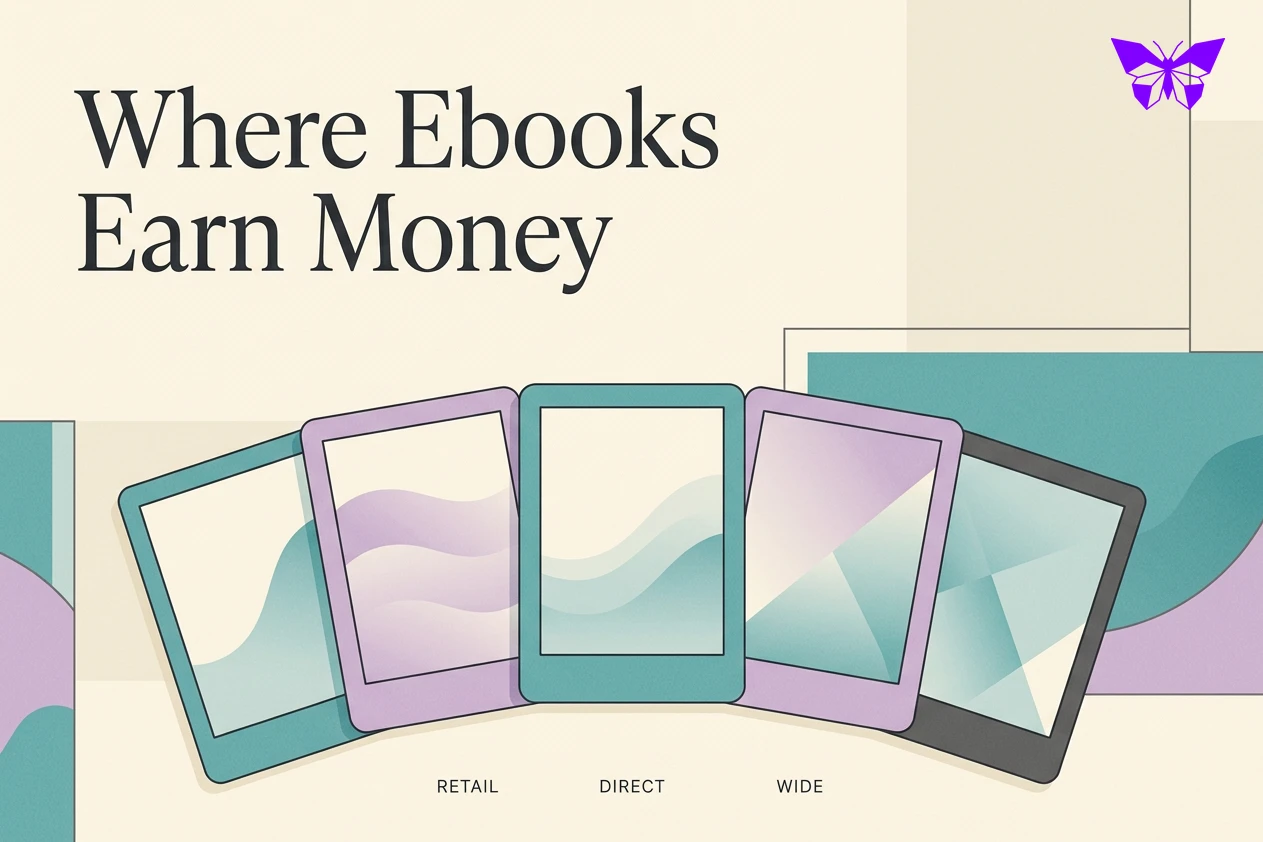
You can sell an ebook through a large retailer (such as Amazon KDP, Apple Books or Google Play Books), through an aggregator that delivers to several of those stores for a commission, through your own site, or through a specialist bookstore such as Ebokio Publishing. You can use more than one of these at once, unless a title is enrolled in an exclusive programme.
The figures in this section are taken from official pages checked on 17 November 2026. They are the rules those companies published on that day, not a ranking of which store is “best”. Use the ebook royalty calculator to test your own price and file size.
Selling ebooks on Amazon (KDP): 70% inside the band, minus delivery
To sell ebooks on Amazon, you publish through Kindle Direct Publishing (KDP), which offers two ebook royalty options, described on its Digital Book Pricing page (last updated 21 April 2026).
The 35% option pays 35% of the list price exclusive of VAT, in any territory, and KDP does not deduct a delivery cost. The 70% option pays 70% of the list price exclusive of VAT, less delivery costs, and only on sales to customers in a published list of territories. Sales outside that list are paid at 35% even if you chose the 70% option.
Delivery costs on the 70% option equal the file size in megabytes, as KDP determines it, multiplied by a per-megabyte rate. On Amazon.com that rate is US $0.15 per MB; on Amazon.co.uk it is £0.10 per MB; other stores are listed on the same help page. A long, image-heavy file therefore keeps less, per copy, than a short text file at the same list price.
The price band for the 70% option changed in 2026. KDP’s list-price page states: “Effective July 7, 2026, the 70% royalty option price band is $2.99-$12.99 on Amazon.com, expanding from the previous range of $2.99-$9.99, with equivalent changes in other KDP marketplaces.”
On Amazon.co.uk the 70% band is £1.77–£12.99; in euros it is €2.69–€12.99; on Amazon.ca it is C$2.99–C$12.99; on Amazon.com.au it is A$3.99–A$15.99. Below or above the band, the 70% option is not available. For sales to customers in Brazil, Japan, Mexico and India, KDP also requires the title to be enrolled in KDP Select before the 70% option applies.
Illustrative arithmetic for a 1 MB file, exclusive of VAT, sold in a 70%-eligible territory on Amazon.com: at US$4.99, 70% × ($4.99 − $0.15) is US$3.39; at US$12.99 it is US$8.99. At US$0.99 or US$14.99, which sit outside the band, the 35% option pays US$0.35 and US$5.25 respectively. These are not forecasts of what you will sell.
Apple Books and Google Play Books
Apple Books for Authors states, on its sales-measurement page: “For ebooks, you’ll earn 70% royalties on all your titles regardless of price point.” It also states that there are no hidden fees or exclusivity requirements, and that payments are made within 45 days following the end of each month. The author homepage adds “no file delivery fees” and “no price matching”.
Those public pages do not spell out whether the 70% is calculated before or after any customer tax Apple collects. Treat it as Apple’s published rate, and read your first financial report for the precise net.
Google Play Books offers a 70% revenue split on ebook sales in most of the countries it supports, for partners who accepted an updated Terms of Service introduced in 2019. That list of 60-plus territories includes the United States, the United Kingdom, Canada, Australia, Ireland and New Zealand. The default split is 52% for partners who have not accepted those terms, and for sales in certain other countries. Google says the 70% rate, where it applies, does not depend on a price band.
If your bank account is verified and you have met the minimum balance, Google says it initiates payment on the 15th day of each month, or the next business day, for the previous calendar month’s transactions.
Aggregators such as Draft2Digital: one upload, several stores
An aggregator lets you upload once and distribute to several retailers, subscription services and libraries. You usually keep less per copy than you would by going to the same store directly, because the aggregator takes a commission.
Draft2Digital’s royalty-rates page — last modified 13 April 2026 — describes its figures as approximations. For Apple and several other stores it shows the author receiving 60% of list price at all prices. For Amazon via Draft2Digital it publishes this rule, word for word: “60% when list price is $2.99-$9.99, otherwise 30%.” That Amazon band predates KDP’s 7 July 2026 change, which raised the direct-to-KDP 70% ceiling to $12.99. If you use Draft2Digital to reach Amazon, read the estimate shown when you set your price.
Draft2Digital also explains the 60% figure as “about 10%” of list going to D2D and “about 30%” to the store. Its help centre states a one-time $20 activation fee for new accounts, and a $12 annual maintenance fee for accounts that earn less than $100 a year.
Selling ebooks direct and on Ebokio Publishing
Selling from your own site, or from a specialist bookstore, can leave you a larger share of each sale. It also means you must bring the reader. A retailer already has browsers; a direct storefront does not, until you send people there.
If you sell direct and are the merchant of record, you may have to account for VAT or sales tax on digital books; ebooks are zero-rated for VAT in the UK. See UK VAT, PLR and tax basics, and read the official rules for each country you sell into. This is not tax advice.
Ebokio Publishing is one additional, non-exclusive storefront, not a replacement for every other store and not “the best way” to earn. Its published plans and royalty rates, checked on 17 November 2026, are:
-
Rates and plans: 70% of net receipts on the Free plan, 80% on Premium (£13.99 a month) and 90% on Pro (£19.99 a month).
-
Fees and exclusivity: no setup fees, listing fees or exclusivity requirements.
-
Title cap: Free accounts may publish up to 30 books; paid plans have no published title cap.
-
Tax and VAT: royalties are paid gross of the author’s own income tax unless the law requires withholding; customer VAT is included in the price the reader pays and is remitted by Ebokio (ebook VAT is 0% in the UK).
-
Payouts: by bank transfer at the end of the month two months after the earning month — January’s earnings at the end of March — with a £30 minimum; smaller balances roll forward.
-
Review times: Free titles are reviewed in 4–6 working days; Premium in under 24 hours.
Net receipts on Ebokio vary with each sale, so a single pounds-per-copy figure would be misleading.
Illustrative net per copy at the same list price
The table applies official formulas to one 1 MB file. KDP columns assume a 70%-eligible territory and subtract the Amazon.com delivery rate of $0.15, or the UK rate of £0.10, as noted. Apple and Google columns are simple percentages of the list price shown, which is how those public pages describe the split; they may not match a tax-inclusive checkout price. D2D figures use the 60% “to Apple and similar stores” row on Draft2Digital’s 13 April 2026 page. None of these numbers is a forecast.
|
List price |
KDP 70% (1 MB) |
KDP 35% |
Apple 70% |
Google 70% / 52% |
D2D to Apple (60%) |
|---|---|---|---|---|---|
|
US$0.99 |
Not eligible |
$0.35 |
$0.69 |
$0.69 / $0.51 |
$0.59 |
|
US$4.99 |
$3.39 |
— |
$3.49 |
$3.49 / $2.59 |
$2.99 |
|
US$12.99 |
$8.99 |
— |
$9.09 |
$9.09 / $6.75 |
$7.79 |
|
US$14.99 |
Not eligible |
$5.25 |
$10.49 |
$10.49 / $7.79 |
$8.99 |
|
£3.99 (UK, 0% VAT, 1 MB) |
£2.72 |
— |
£2.79 |
£2.79 / £2.07 |
£2.39 |
For the platform-by-platform detail behind every adjustment, see how each platform calculates ebook royalties.
How to sell ebooks online: 7 steps from manuscript to first sale
Each of the seven steps below changes the per-copy rate, the number of copies, or the costs.
1. Pick a genre or topic with buyers
Write what you can finish well, in a category that already has readers. Look at comparable titles (not books from the Ebokio store, and not titles you invent) to see how they are packaged and priced, and whether they are part of a series. A quiet niche can still work; an empty one cannot. Demand is a condition of income, not a guarantee of it.
2. Make the book professional
Readers notice errors, and stores check files before they go on sale. Budget first for editing, then for a cover that signals the genre at thumbnail size, then for a clean EPUB. A step-by-step guide to self-publishing a book walks through production. Use a free EPUB checker before you upload; a failed file delays review and wastes a launch date.
3. Price inside the royalty bands
A price is a marketing choice and a royalty-band choice at the same time. On Amazon.com, $2.98 and $13.00 currently sit outside KDP’s 70% band; $2.99 and $12.99 sit inside it. Apple and Google, for partners on the 70% terms, do not use a price band. See How to price your ebook and the ebook price calculator. Check the live band on each store before you lock a price for a quarter.
4. Write metadata that sells
Title, subtitle, series name, description, categories and keywords are how a store decides whether to show the book, and how a reader decides whether to open it. Treat them as sales writing backed by an honest description of the book. Ebook metadata that sells covers the craft.
5. Choose your stores: exclusive (KDP Select) or wide
Decide, title by title, whether the ebook will be exclusive to Amazon through KDP Select or sold widely. Enrolling in KDP Select automatically includes the ebook in Kindle+, where you earn a share of the monthly KDP Select Global Fund based on pages read, on top of ordinary Kindle Store royalties. On 17 November 2026, KDP’s Select page reported total KDP Select author earnings for October 2026 of $71.1 million: a programme-wide total, not any one author’s earnings. Select also unlocks the 70% option for sales to customers in Brazil, Japan, Mexico and India.
In return, the digital edition must be available exclusively through KDP for the enrolment period, including on your own website; print editions can be sold elsewhere. Selling wide means uploading to each store yourself or using an aggregator. You can enrol some titles and keep others wide. Compare KDP alternatives: go wide or stay in Select, self-publishing companies compared by type and the complete guide to ebook distribution.
6. Launch with reviews and an email list
A launch without a way to tell anyone is a quiet upload. Written Word Media’s 2025 survey associated higher income with more books and with authors who had built an email list. That is a correlation in a skewed sample, not a law, but it matches the arithmetic: you need repeat buyers.
Ask for honest reviews through legitimate channels. How to get book reviews sets out methods that stay inside the rules. Readers who buy your book on the Ebokio store can leave reviews there; that is one store among others, not a reason to ignore the rest.
7. Write the next book: series and backlist
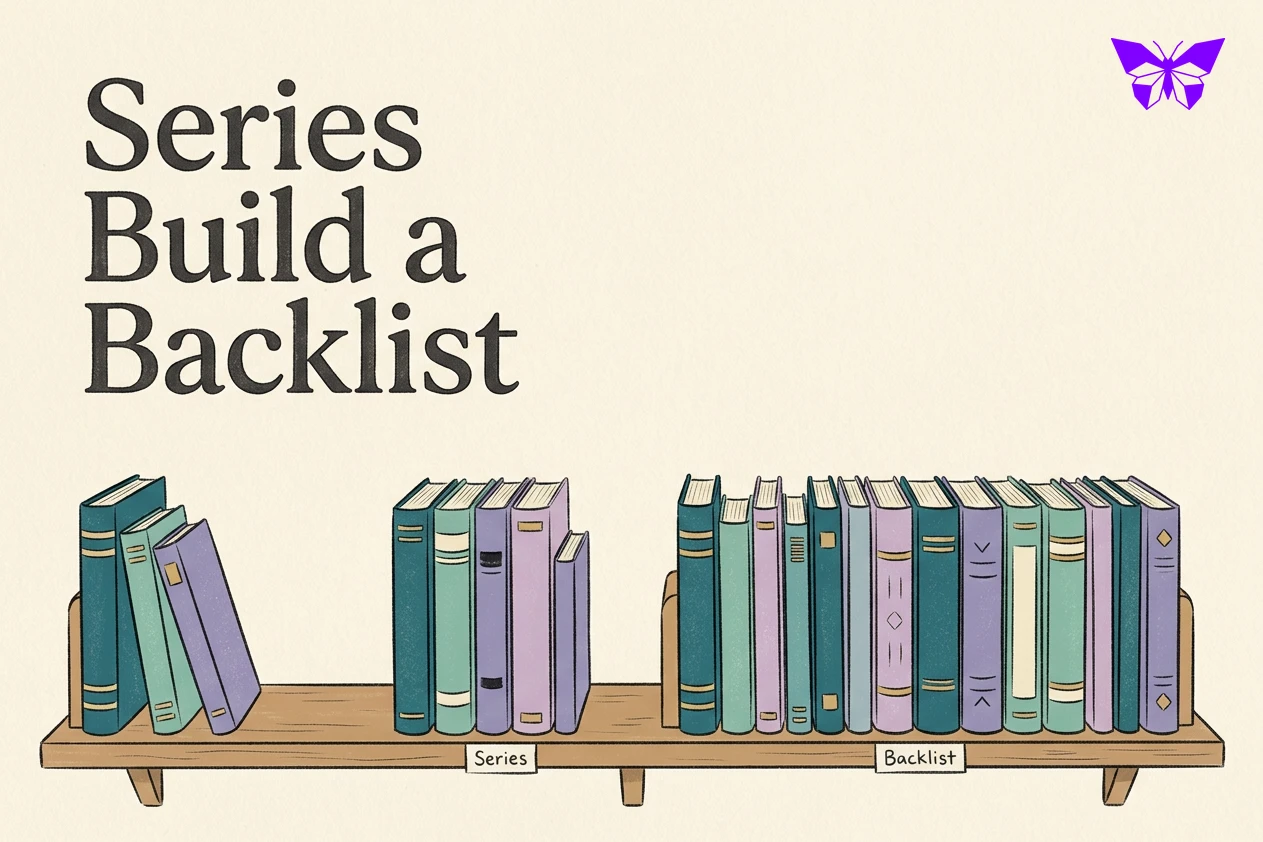
The sales table and the survey pattern agree on this point. One title has to carry every hour of marketing and every dollar of advertising by itself. A series, or a coherent backlist, lets a new reader become a second and third sale. Novelists can use the series strategy for novelists when they plan that path. A larger catalogue is how modest per-copy royalties add up to a meaningful monthly total.
How many ebook sales do you need to make $1,000 a month?
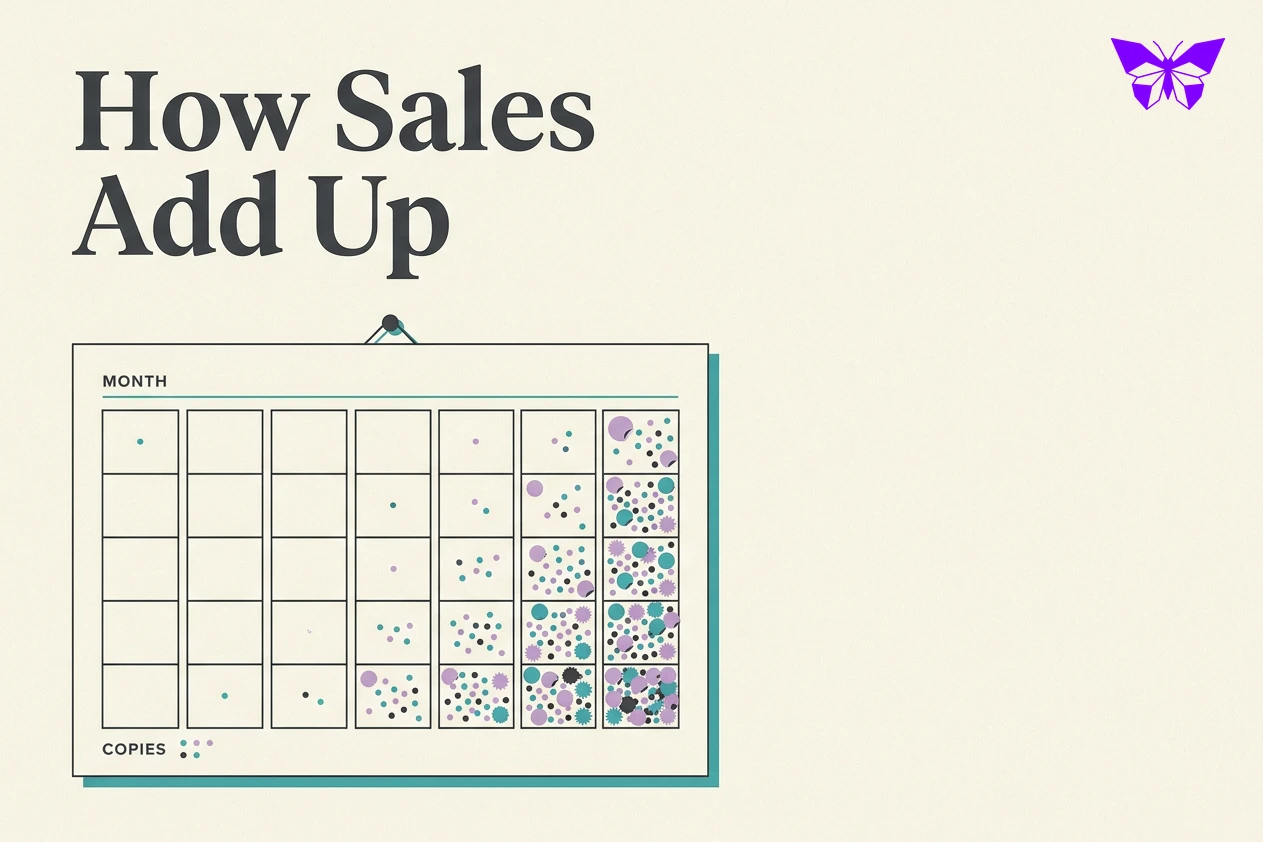
This is arithmetic on the table above, not a target and not a claim that $1,000 a month is typical or likely. It also ignores advertising, returns, currency conversion, income tax and any subscription-pool income.
If you kept US$3.39 a copy — the illustrative KDP 70% result at $4.99 for a 1 MB file — you would need 295 copies in a month, or about ten a day, to reach US$1,000 before those other costs. At the illustrative $8.99 a copy (KDP 70% at $12.99, 1 MB) you would need 112 copies a month.
|
What you keep per copy (illustrative) |
Copies needed for US$1,000 |
Roughly per day |
|---|---|---|
|
US$0.69 (Apple 70% at $0.99) |
1,450 |
48 |
|
US$3.39 (KDP 70% at $4.99, 1 MB) |
295 |
10 |
|
US$8.99 (KDP 70% at $12.99, 1 MB) |
112 |
4 |
|
£2.72 (KDP 70% at £3.99, UK, 1 MB) |
368 copies for £1,000 |
12 |
Those copies need not all be of the same title. A first book will not usually sell at a steady daily rate. Run your own price through the ebook royalty calculator before you treat any row as a plan.
What to subtract first: the costs of selling ebooks
What a store pays per copy is not the same as what you take home. Editing and cover design are usually paid for in advance, and any advertising spend comes out of pocket as well, often weeks or months before a royalty arrives.
What it costs to self-publish sets out ranges in more detail. On that guide, a book can be produced for $0 if you do the work yourself with free tools, or cost several thousand dollars if you hire specialists; its Mid-range total is about $810–$2,825. Editing is typically the largest line.
You can publish a book for free in the narrow sense that several platforms, including Ebokio’s Free plan, charge no setup, listing or hosting fee — but “free to upload” does not mean “free to make well”.
A simple break-even keeps the sales table honest. If you spent $1,200 on editing and a cover, and you kept $3.39 a copy, you would need 354 paid copies of that title (or of later books in a series that the same spend helped to sell) before the production cost was covered, still before advertising. Advertising moves the threshold again.
|
Production spend (example) |
Copies to recover it at US$3.39 a copy |
Source of the spend figure |
|---|---|---|
|
US$810 |
239 |
Low end of the Mid-range total in our cost guide |
|
US$1,200 |
354 |
Example used in this guide |
|
US$2,825 |
834 |
High end of the Mid-range total in our cost guide |
Arithmetic only, before advertising and tax.
Paid publishing plans are also a cost: Ebokio’s Premium and Pro subscriptions (£13.99 and £19.99 a month) buy a higher share of net receipts and faster review, which only pays if the extra sales cover the fee.
Other ways ebooks earn: audio, print and rights
An ebook is sometimes the beginning of a longer rights life: an audiobook, a paperback, a translation or a licence. Those streams use different contracts and different royalty rules, and they are outside the per-copy table above.
If you want to turn your ebook into an audiobook, start from a finished, well-edited text. For advances, traditional publishing royalties and other author income, see advances, royalties and other author income. Ebokio itself is ebook-first and does not yet offer print-on-demand; because publishing there is non-exclusive, you can use a separate print service alongside it.
Mistakes that keep ebook sales at zero
-
Pricing just outside a royalty band. A one-cent difference can move a KDP ebook from 70% (minus delivery) to 35%. Check the live thresholds before you set a “tidy” price.
-
Publishing one book and waiting. The survey’s low-income band is crowded with short catalogues. A single title can earn; it rarely earns like a backlist.
-
Spending nothing on the file and everything on ads, or the reverse. An unedited book with a misleading cover wastes advertising; a beautiful book that nobody hears about does not sell.
-
Pricing from memory instead of the current pages. KDP’s 70% band on Amazon.com has been $2.99–$12.99 since 7 July 2026; the earlier ceiling was $9.99. Aggregators publish their own Amazon terms with their own dates (Draft2Digital’s rates page was last modified on 13 April 2026). Check each store’s and each aggregator’s current page before you set a price.
-
Overlooking exclusivity terms. A Kindle ebook enrolled in KDP Select must be available digitally only through KDP for the enrolment period, so selling the same file on your own site or another store at the same time is outside Amazon’s published terms.
-
Income-guarantee schemes and paid “we will make you a bestseller” offers. Official store pages do not guarantee income, and neither does this guide.
Frequently asked
How do I sell my ebook online?
Where is the best place to sell ebooks?
Can I sell ebooks on Amazon without KDP Select?
Can I sell the same ebook on Amazon and my own website?
How much does an author earn per ebook sold?
How many ebooks do you need to sell to make $1,000 a month?
How much money can you make selling ebooks?
Do ebook aggregators pay better royalties than selling direct?
Do I need an ISBN to sell an ebook?
When do you get paid for ebook sales?
Sources
- Amazon KDP, Digital Book Pricing Page, last updated 21 April 2026
- Amazon KDP, eBook List Price Requirements (70% band from 7 July 2026)
- Amazon KDP Select (exclusivity and October 2026 total author earnings figure)
- Amazon KDP, Royalties in Kindle+
- Apple Books for Authors
- Apple Books for Authors, Measure book sales
- Google Play Books Partner Center, Revenue Split FAQs
- Google Play Books, Get paid with your earnings
- Draft2Digital, Ebook Royalty Rates, dateModified 13 April 2026
- Draft2Digital, 10% List versus 15% Net
- Draft2Digital, What does it cost to use Draft2Digital?
- HMRC, Zero rate of VAT for electronic publications
- Written Word Media, 2025 Indie Author Survey Results
- Ebokio Publishing, Pricing
- Ebokio Publishing, FAQ
- Ebokio Publishing, How it works